Skip to content

Home golf, your way

Play all winter
Practise at home

Shop simulators, nets, mats and more in their own sections. Or check your space and build a setup around your budget.

Shop home golf equipment

Choose the part you need, or build a setup below.

Simulators & launch monitors

Launch monitors measure your shots. Check each model's software support for simulator play.

Equipment budget

Approximate planning bands, not live prices. Actual CAD or USD retailer prices may fall outside the band. Check shipping and any software costs.

Showing 12 of 12 products. Retailer buttons open Amazon.ca (CAD); search links are labelled separately.

Build the perfect setup

Check your room, choose a total budget, and explore a planning list of parts.

Total setup budget

Typical planning totals, not a priced bundle. CAD on Amazon.ca, USD on Amazon.com. Check every part and any recurring software costs.

Check your room before buying (optional)

Will it fit?

Measure the spot you would hit from

Ceiling height at the hitting position with the mat's thickness taken off, the width of the room, and the depth from the back wall to where the screen or net would hang.

Enter the three measurements.

  • Measure at the exact spot you would hit from, and take the mat's thickness (2 to 3 inches) off the ceiling height.

Then do the swing test: take your driver to that spot and swing slowly, then at full speed. The numbers are a guide; the swing is the answer.

Rules from: Carl's Place, Measuring your space for an indoor golf simulator; Golfers Authority, Golf simulator ceiling height requirements. Ceiling 10 ft recommended, 8 to 9 ft limited; width 10 ft minimum, 14 ft to centre the tee; depth 18 ft ideal, 15 ft or less possible but tight.

Typical totals, not prices, in the currency of the store you buy from: Canadian dollars on Amazon.ca, US dollars on Amazon.com.

Start here, then check your room

Full simulator · $1,000 to $3,000

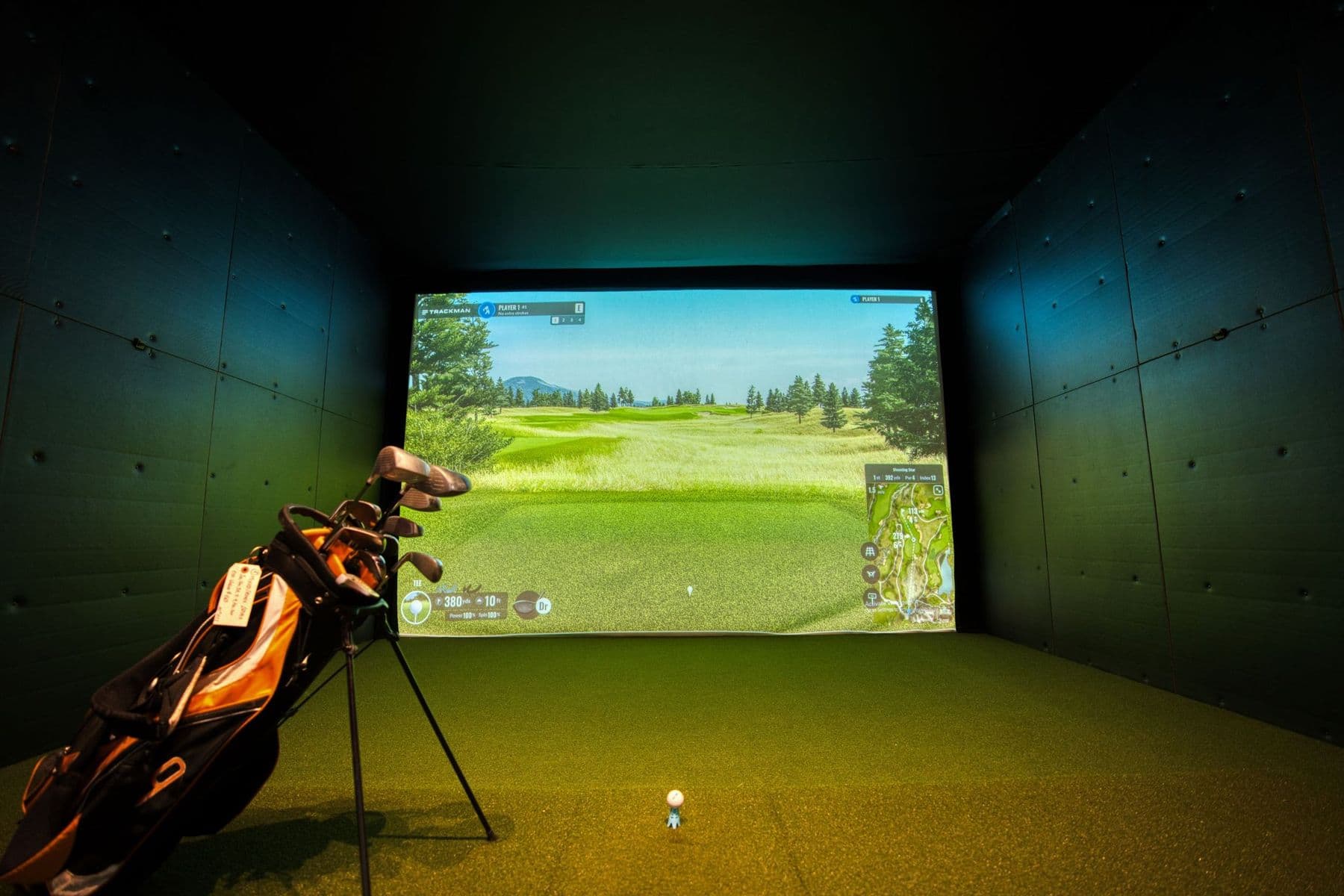
What you'll be able to do: Play full courses on a projected picture or a TV, watch a video of every swing, see spin, and practise all winter in one bay.

Setup checklist. Confirm bundle contents, compatibility and any additional components before buying.

  • Launch monitorRapsodo MLM2PRO →Radar plus cameras: shot video and spin, works with simulator software.
  • Cage and screenGoSports Range Cage 10 x 8 ft with impact screen →A 10 by 8 foot cage with an impact screen to project onto.
  • ProjectorBenQ TH671ST short-throw projector →Short throw, so it sits close to the screen and out of your swing.
  • MatRukket Sports Tri-Turf hitting mat →Three turf heights on one mat, so fairway, rough and tee shots all feel different.
  • Phone or tabletAlready yoursUse a supported iOS or Android device for the MLM2PRO app; check its current device requirements. A PC is only an option for compatible third-party software, with its own licence and requirements.
  • Display connectionDevice-compatible HDMI adapter, HDMI cable and projector mountCheck that your phone or tablet supports video output and that the adapter matches its port. Plan the projector throw distance and mount outside the swing area before buying.
  • RPT golf ballsTitleist or Callaway RPT ballsRequired for measured spin with Premium. Check whether the exact retailer bundle includes them; ordinary balls do not provide measured spin.
Before you buyRuns on: Your phone or tablet.Subscription: Premium membership for simulator courses, measured spin and the full feature set. Rapsodo advertises a 45-day trial; the Amazon.com listing includes one, while Amazon.ca does not specify (checked October 1, 2026). Check renewal terms; third-party simulator software may cost extra..
Device, balls, room and display requirementsCompatible devices: A supported iOS or Android phone or tablet runs the MLM2PRO app. Check the current app requirements for your exact device. PC-based third-party software has separate compatibility and licence requirements.Ball requirements: Titleist or Callaway RPT balls are required for measured spin rate and spin axis with Premium. Ordinary balls can provide basic shot data. Confirm the balls included in the exact retailer bundle.Indoor space: Rapsodo specifies 6.5 to 8.5 ft behind the ball and at least 8 ft from ball to net: 14.5 to 16.5 ft before net or screen clearance. Taller golfers may need more room. The room checker uses a conservative 18 ft rule for radar; test swing clearance separately.Display connection: For a projector, use an HDMI cable and an adapter compatible with your device's port and video output. Rapsodo describes Lightning-to-HDMI for iOS and USB-C-to-HDMI for Android; check your particular device. A compatible smart TV can use AirPlay or screen mirroring.
Rapsodo MLM2PRO ↗Rapsodo setup FAQ ↗

Other budgets

Premium setup · $3,000 and up

Built around SkyTrak ST MAX

Setup checklist. Confirm bundle contents, compatibility and any additional components before buying.

See the full setup →

Questions

Radar or camera?

Radar units (Garmin R10, Mevo+, Rapsodo) sit a few feet behind you and track the ball in flight, so they need room behind the ball and some flight distance in front. Camera units (SkyTrak, Launch Pro, Foresight, Garmin R50) sit beside the ball and read it at impact, so they work in a shorter room and indoors with a net right in front. If your room is shallow, choose a camera unit.

Do I need a projector?

No. Every launch monitor shows its numbers on a phone, tablet, PC or its own screen. A projector only matters if you want a life-size course on an impact screen. A TV beside the net is the cheaper middle step.

Net or impact screen?

A net stops the ball and costs less; you watch the shot on a screen beside it. An impact screen stops the ball and shows the projected picture, so you watch the ball fly into the course. Screens need an enclosure to catch misses.

Can I use it in a cold garage in winter?

Usually, with care. Check the manufacturer's operating temperature for the unit, keep the battery warm between sessions, and give a cold unit time to warm up before you turn it on so condensation does not form inside. A frozen mat is hard on the joints, so let the garage warm a little first.

Do I need a subscription?

The basic numbers never need one. Simulator courses often do: some units include the first year, some charge yearly, some include courses outright. Each product page on this site has a row that says which.

Which mat should I buy?

Not a thin one. A thin, hard mat is one of the most common regrets after a build: hundreds of balls off it lead to wrist and elbow pain, worse on concrete. Budget for a proper mat or at least a proper hitting strip. The brand-name mats Amazon carries are in Nets & mats; the studio-grade brands (Fiberbuilt, TrueStrike, SIGPRO) sell through specialty stores.

What does a full setup include?

The launch monitor; software (some units include a year, most charge a yearly plan after); a PC, tablet or phone, with a proper graphics card if you want courses on a big screen; a short-throw projector; an impact screen or a net; an enclosure or side barriers; a hitting mat; and blackout for daylight, because a projector picture washes out in a bright room. Underestimating the total once software, a PC and a projector are added is the other big regret.

Sources: Golf Simulator Forum, Best mat to prevent golfer's elbow; Carl's Place, How much does a golf simulator cost; Foresight Sports, Complete golf simulator room setup.

More on Amazon

GearCaddie lists the products with every link checked. Amazon carries far more; these are Amazon's own searches. Prices and reviews are on Amazon. As an Amazon Associate, GearCaddie earns from qualifying purchases.

Complete simulator packages (enclosure, impact screen, projector, mat) come from specialty stores such as Carl's Place and Rain or Shine Golf. GearCaddie will link those once it joins their programs; the launch monitor itself is the piece you can buy on Amazon today.

As an Amazon Associate, GearCaddie earns from qualifying purchases. The price is shown on Amazon; GearCaddie never displays or estimates it.